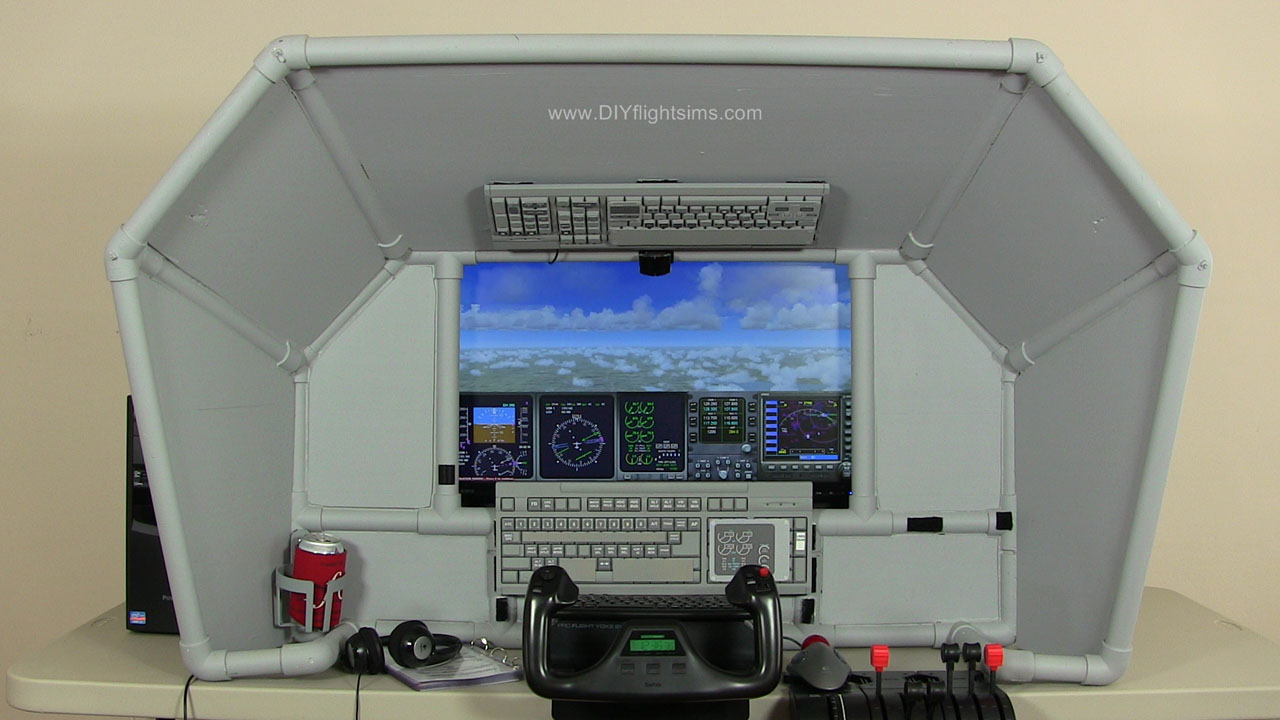
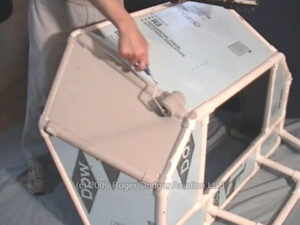
You don't have to spend a lot of money to simulate flying the airliners. Build an affordable, versitile simpit with this innovative desktop partial enclosure. Introducing the DIY Universal Airliner Cockpit.
Sleek, attractive styling
Your choice: Boeing 737, Airbus A320, or CRJ700
Build this project with common tools and materials
DIY Universal Airliner Cockpit - What you get
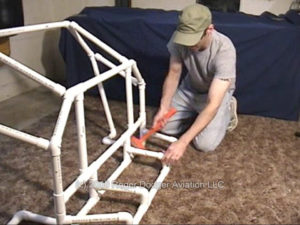
UNIVERSAL COCKPIT FRAME DIY VIDEO - over 30 minutes of construction footage and instructional narration (wmv format) Four Part DIY Video - Cutting PVC pipe - Inner Frame construction - Building Universal Joints (U-joints) - Adjusting the frame to fit your monitor - Outer Frame construction - Gluing the frame - Using epoxy putty on the U-joints - Measuring and cutting Extruded Polystyrene (XPS) body panels - Gluing the body panels - Attaching the monitor shelf - Painting
D240 Universal Airliner Cockpit
UNIVERSAL COCKPIT FRAME INSTRUCTION MANUAL - Full-color, illustrated, 38 pages (Adobe pdf format) Safety Materials Required Tools Required Cutting PVC pipe Frame: Initial Assembly Frame: Fitting Your Monitors Frame: Final Assembly Body Panels Paint
Also Included
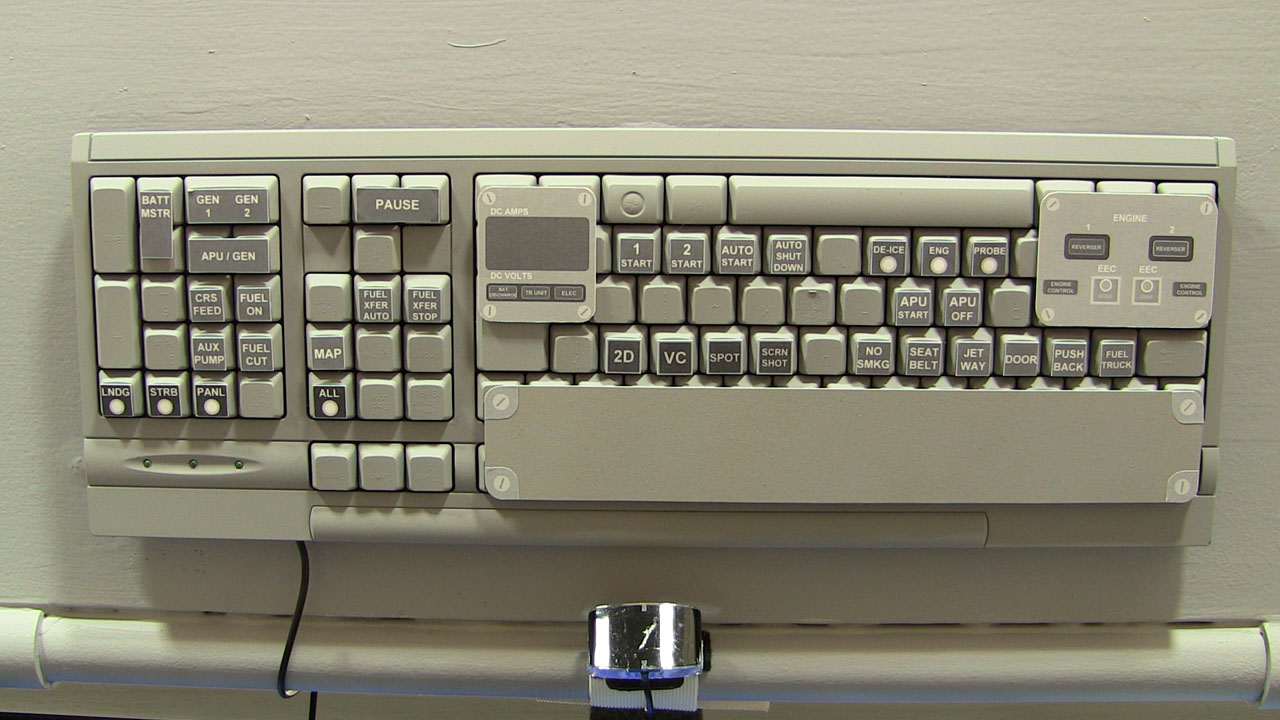
DIY AIRLINER KEYBOARD MODIFICATION (Item# K140B)
Two Part DIY Video (wmv format) - Painting - Airliner button template - Button assignments: Mode Control Panel - Button assignments: Overhead Panel - Keyboard panels: B737, A321, CRJ700 - Event assignments in Flight Simulator X
D240 Universal Airliner Cockpit
D240 Universal Airliner Cockpit
D240 Universal Airliner Cockpit
D240 Universal Airliner Cockpit
D240 Universal Airliner Cockpit
D240 Universal Airliner Cockpit
AIRLINER KEYBOARD MOD INSTRUCTION MANUAL - Full color, illustrated, 38 pages (Adobe pdf format) Safety Materials Tools Required Painting Printing and cutting button template Button diagram: Mode Control Panel Button diagram: Overhead Panel Keyboard panels Event assignment list Event assignments in Flight Simulator X and FS2004
BONUS FREE VIDEOS - Working with PVC pipe Part 1 and 2 - Dual Monitors Part 1 and 2 - Self-Drilling Screws - Paint for Flight Simulators - USB Cable Management - Install Saitek Switch Panels